Pond Design Software Imagine, Measure and Build
Design your pond in your browser.
Close clients in 5 Minutes
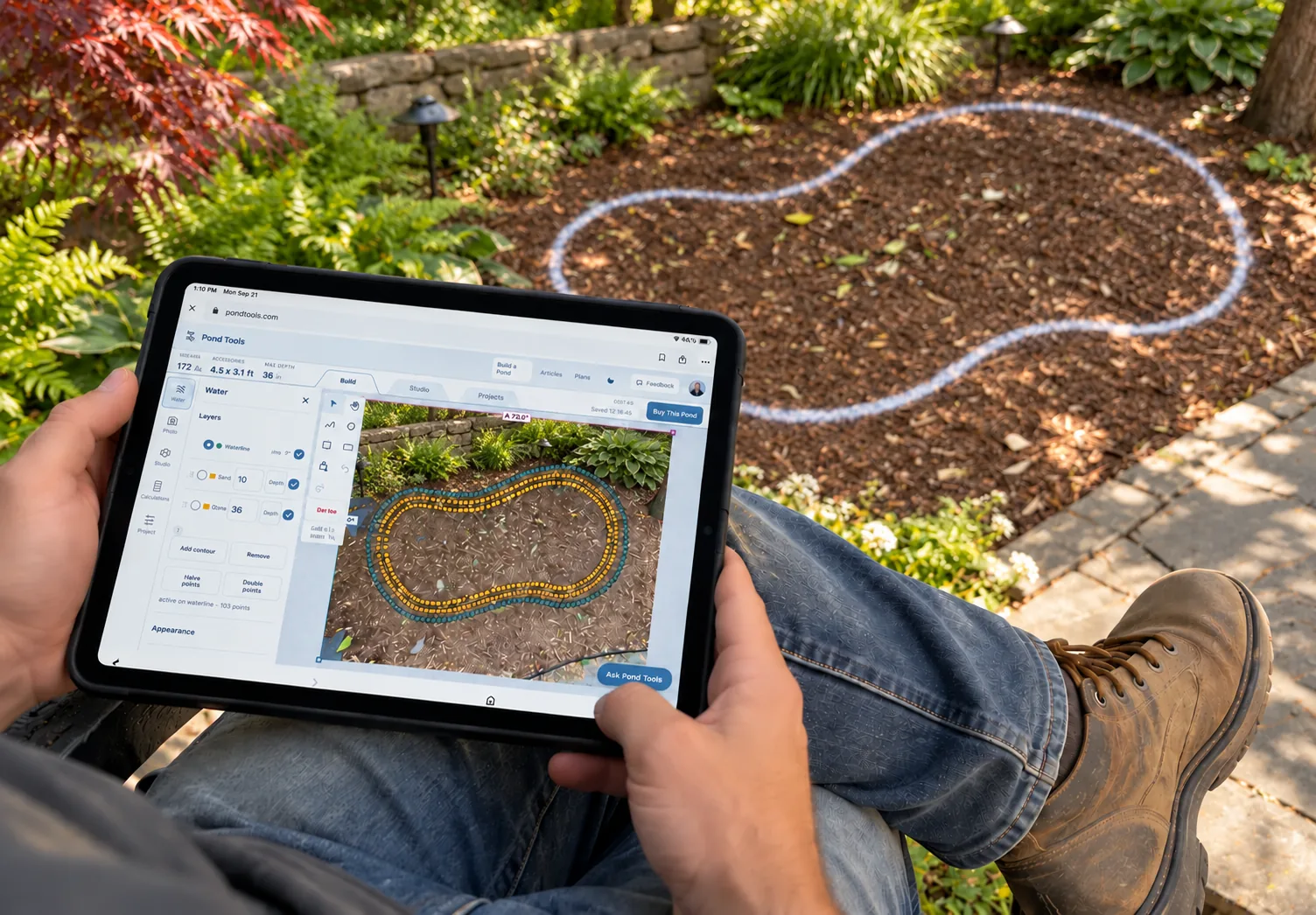
Sketch a pond over a drawing or backyard photo, then generate AI videos of your design.
Perfect Volumes for Accurate Dosing
Calculate volume from your measurements and depths to plan treatment dosing and fish habitat.
Build Fast With Artificial Intelligence
Ask AI to shape your pond and arrange plants and equipment, then explore the design in Studio.
LiDAR and water detection
Bring in satellite imagery and LiDAR terrain, trace the shoreline automatically and estimate the lake bed underneath.
Dream to Sale
in 5 Minutes
Describe the pond in a chat or trace it yourself. Turn the design into a photoreal image and an eight-second video, then send it to your client.
- Waterline 0 in
- Floor 24 in
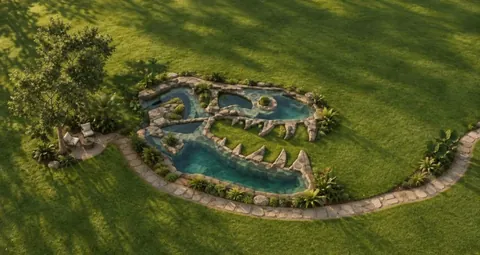
- Volume
- 1,940 gal
- Dimensions
- 22.5 × 20.5 ft
- Max depth
- 24 in
Map a whole lake from satellite and LiDAR
PondTools finds the shoreline on a satellite photo and estimates the lake bed from the USGS LiDAR survey of the land around it. You get depth contours, gallons and acre-feet without a boat or sonar.
Large pond mapping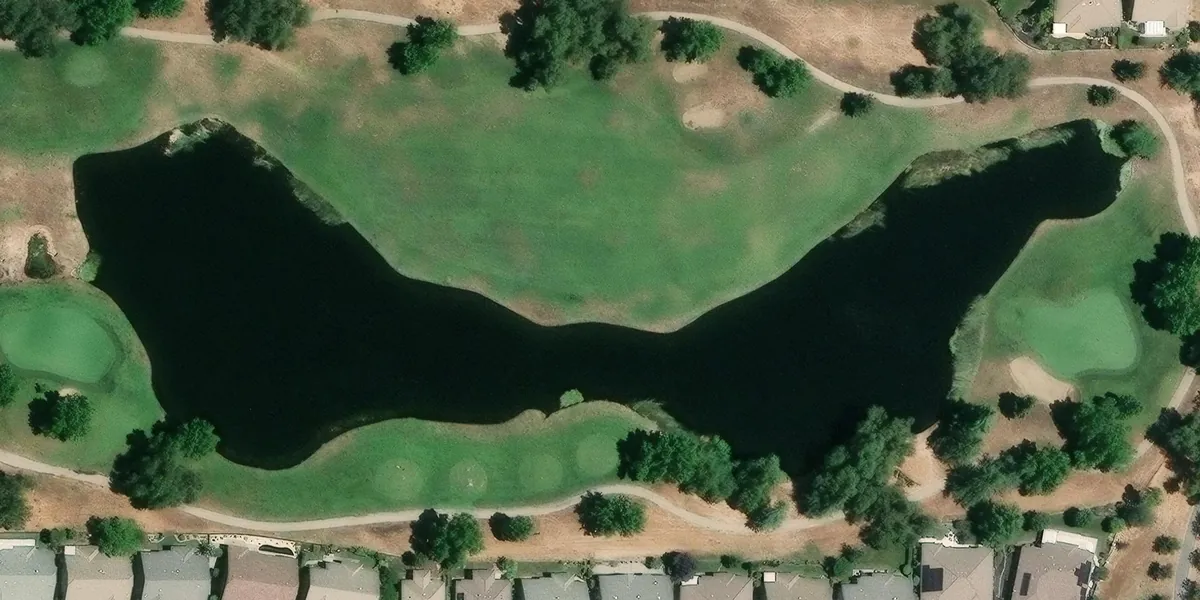
- Volume
- 1,365,782 gal
- Acre-feet
- 4.2
- Deepest
- 48 in
- Size
- 921 × 316 ft
The shoreline
Trace water finds the edge of the water on the satellite photo and draws the outline, and you can adjust it.
The ground around it
Bare-earth elevation comes from the USGS 3DEP LiDAR survey, which covers most of the United States.
The lake bed
LiDAR stops at the water’s surface, so the depth is estimated from the slope of the ground around the lake, using a method the EPA published in 2011. How the estimate works
Show the customer a pond in their own yard
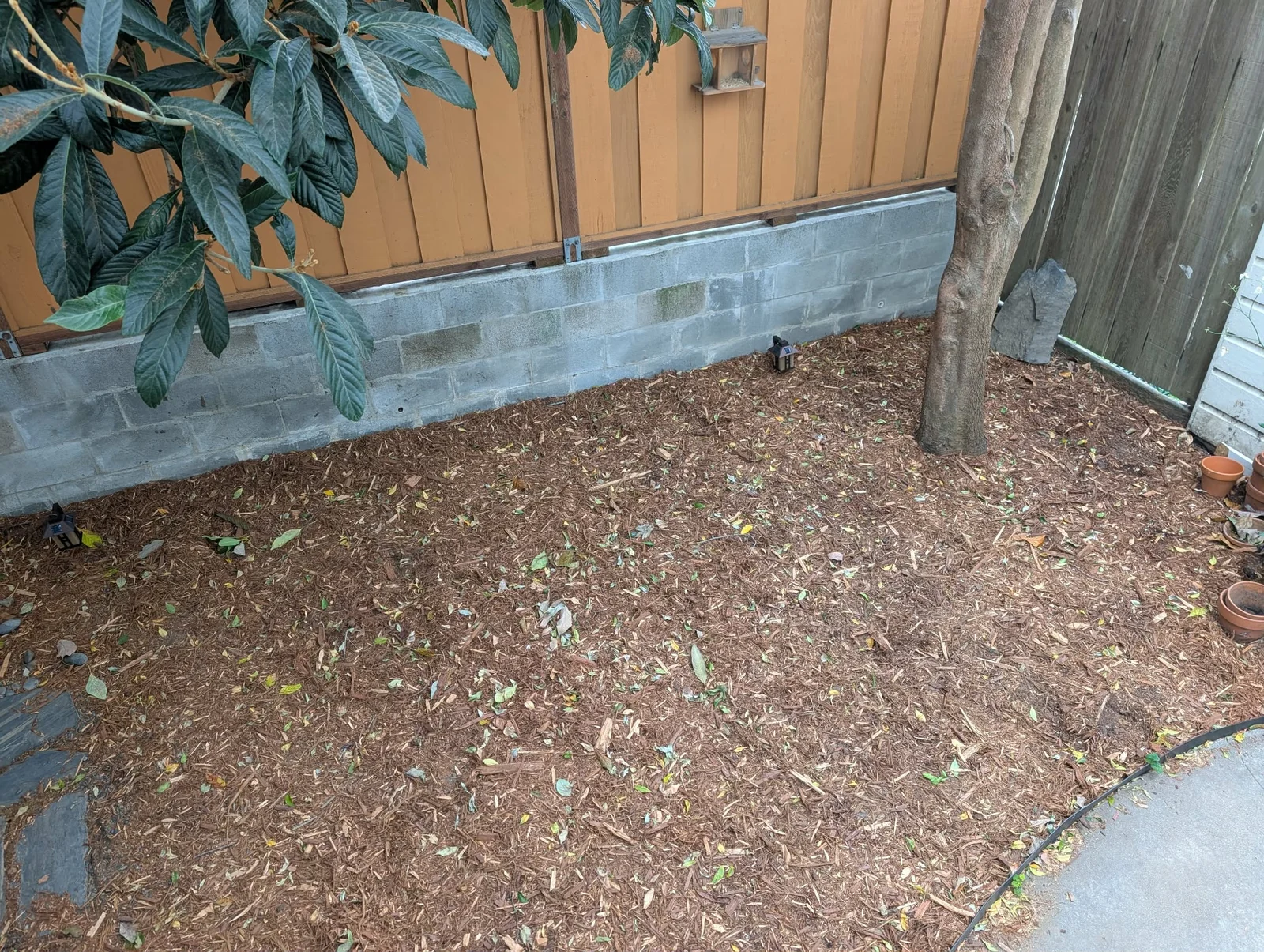
Take a photo at the visit, set the scale from a known distance and draw the pond where it belongs. Then generate an AI image of the pond in that photo.
PondTools for contractors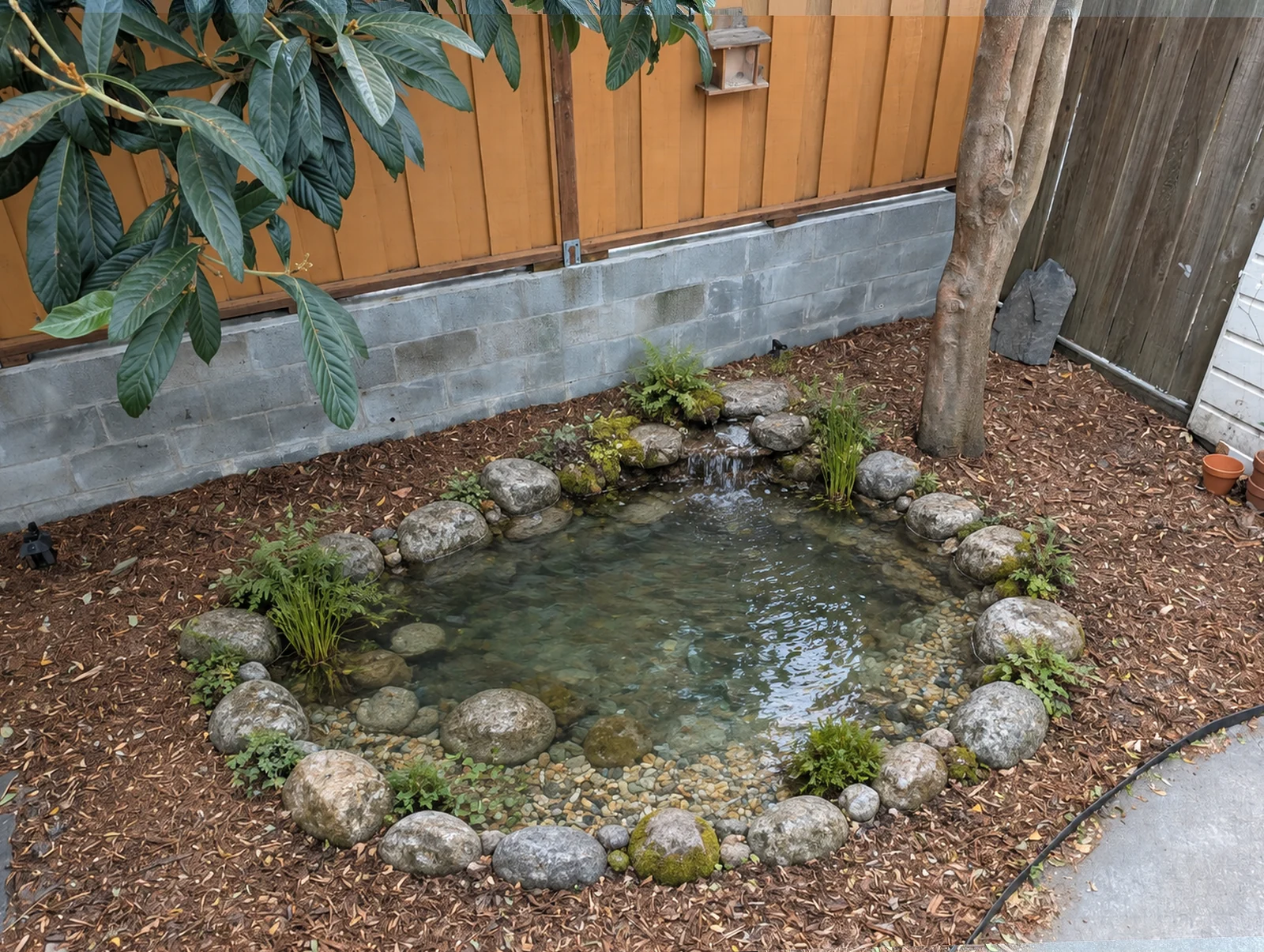
Buy (or sell) exactly the right parts
PondTools turns the drawing into a parts list with a price on every line, so you can order it yourself or show your customer exactly what they are paying for.
- Sized from the drawing. The pump is chosen for the flow the pond needs at the head it will run against, and the skimmer and BioFalls are matched to that flow and the pond’s gallons on Aquascape’s own ratings.
- Nothing missing on install day. The six things kits leave out, from dechlorinator to a fill valve, are sized and priced for the same pond.
- Rock by the ton. Boulder and gravel ranges for the edges, the shelves and the waterfall.
Core Components
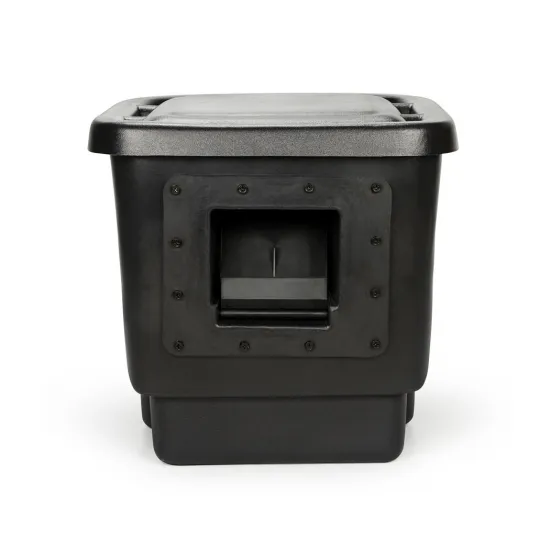 Signature Series 200 Pond SkimmerMechanical filtration and the pump chamber.$479.99
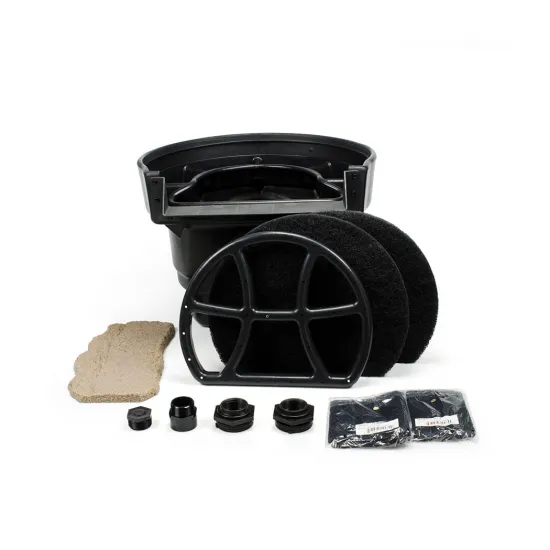 Signature Series 2500 BioFalls® FilterBiological filtration and the waterfall head.$859.99
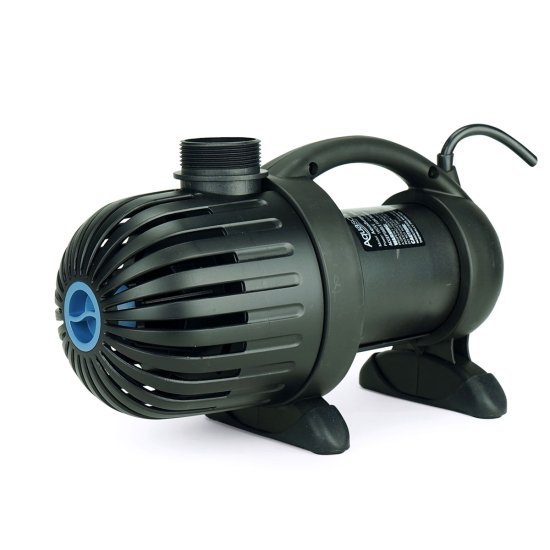 AquaSurge® 3000 Pond PumpDelivers 2,353 GPH at 10.0 ft of head.$519.99
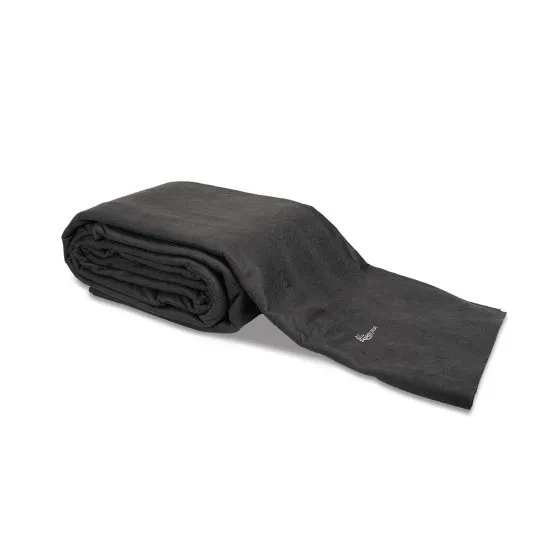 Heavy-Duty Pond Underlayment8′ × 10′ precut, 7 pieces overlapped at $49.60 each.$347.20
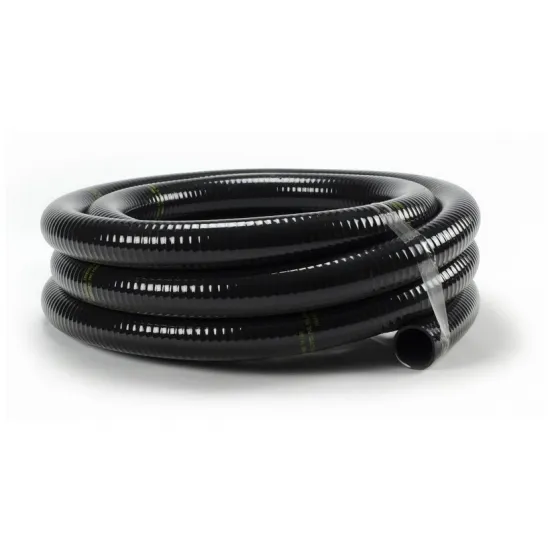 Flexible PVC Pipe1 1/2″ × 25′ for 20 ft of run.$94.99
- 45 mil EPDM pond liner, cut from a rollAbout 21 by 25 ft in one piece, larger than the biggest boxed liner.Priced by the dealer
Six things the kit leaves out
- Foam sealant $21.99
- Dechlorinator $14.99
- Starter bacteria $17.99
- Pond netting $34.99
- Silicone sealant $15.99
- Fill valve $59.99
Pond care based on your measurements
Every calculator starts from the volume you measured, so doses and water changes fit your pond instead of a guess.
Using your measured volume: 1,717 gal
- Pond volume (US gallons)
- 1717
- Current salt level (ppt)
- 0
- Target salt level (ppt)
- 1.0 ppt
About 0.4 × 40 lb bag, raising 1,717 gal from 0 to 1 ppt.
Using your measured volume: 1,717 gal
- Current reading
- 40
- Target reading
- 30
- Replacement water reading
- 0
About 429 gal out of 1,717 gal, changed at once, to take 40 to 30.
Using your measured pond: 101.4 sq ft, 1,717 gal
- Comet or shubunkin
- 5 fish
- Length now (in)
- 4
- Adult length (in)
- 14
They use 23% of it now, and stay within both the area and volume limits once grown.