Photo planning
Plan a pond from a drone photo
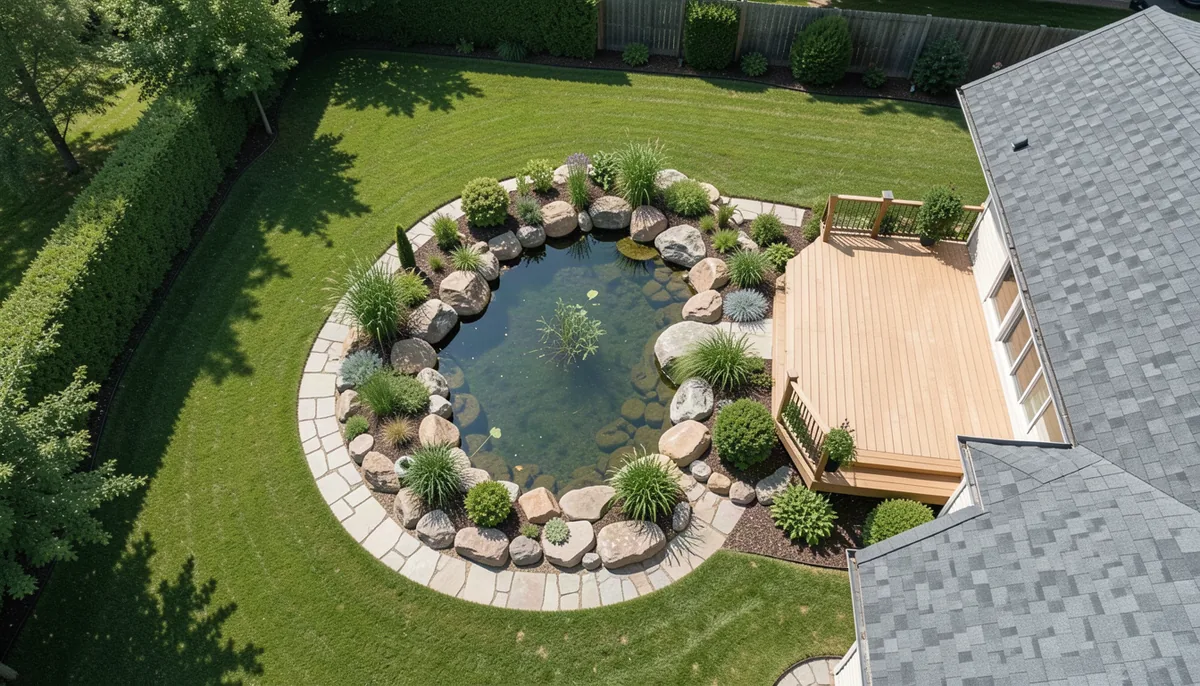
You can load a drone photograph into PondTools and draw the pond over it. Start with a clear view of the waterline, add measurements to set the scale, then define the shelves and floor. The resulting outlines stay editable.
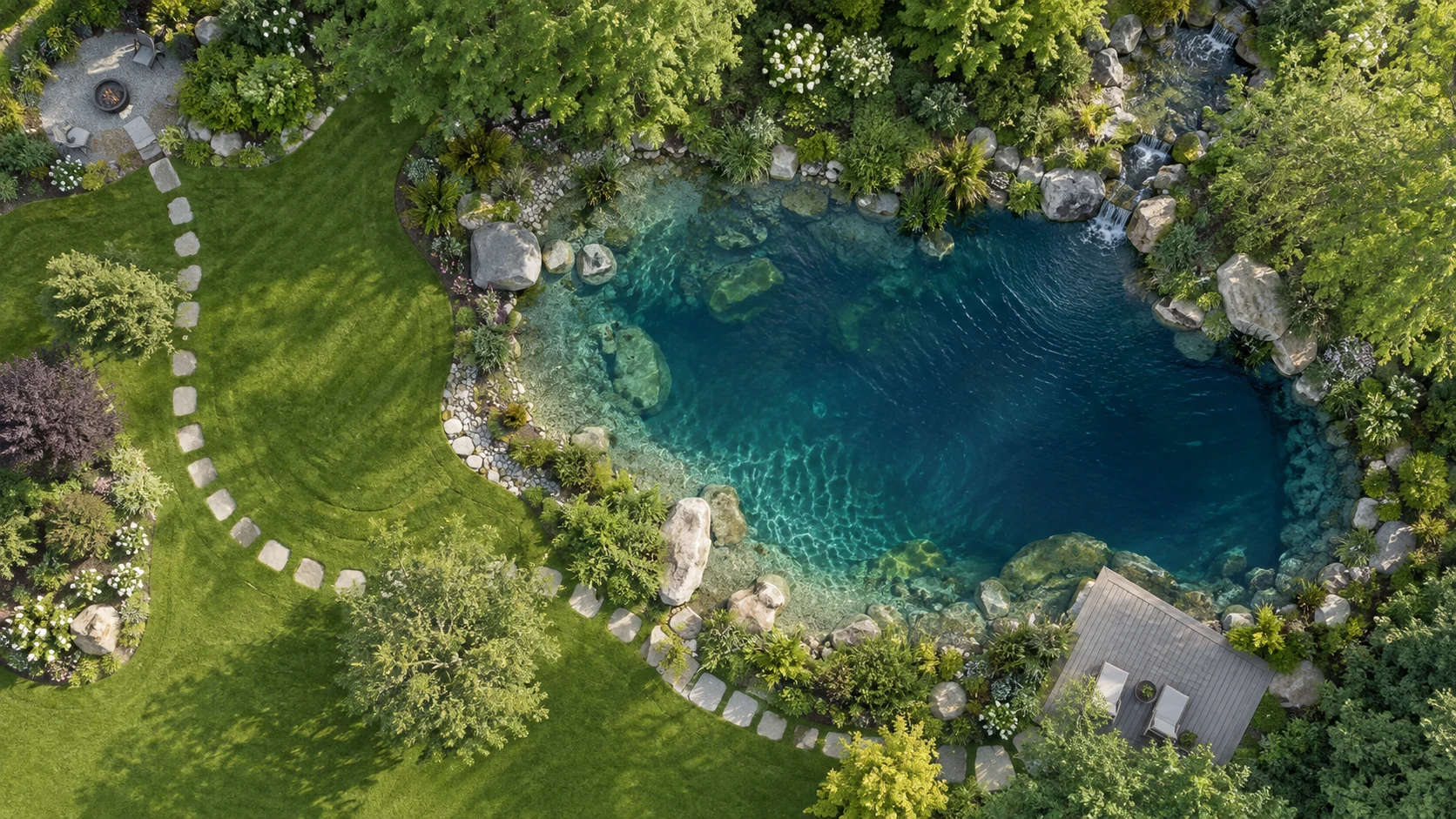
Choose a photograph you can measure
A near-overhead view makes it easier to follow the pond edge. Include the whole pond and enough surrounding ground to recognise your measurement points. Reflections, plants and deep shadows can hide the waterline; check those sections on site.
For an ordinary uploaded photo, PondTools uses two measured spans to set the image scale. Record the actual distances between points you can identify in the picture. A drone photograph does not automatically supply those measurements. See the photo preparation guide for the two-span setup.
Trace the visible waterline
Open PondTools and use Load a photo in the Photo tools. Calibrate the image, then draw the waterline around the inside edge where the water meets the bank. Tracing the outside of decorative boulders would include ground that holds no water.
Use enough points to follow the bends, then inspect the outline at a larger zoom. Move points where the line cuts across a cove or includes a planting bed. Keep uncertain sections simple until you can check them.
Add depths from measurements or your design
The photo supplies visual context. You enter the underwater shape yourself. For an existing pond, measure the shelf and floor depths; for a proposed pond, enter the depths you intend to build.
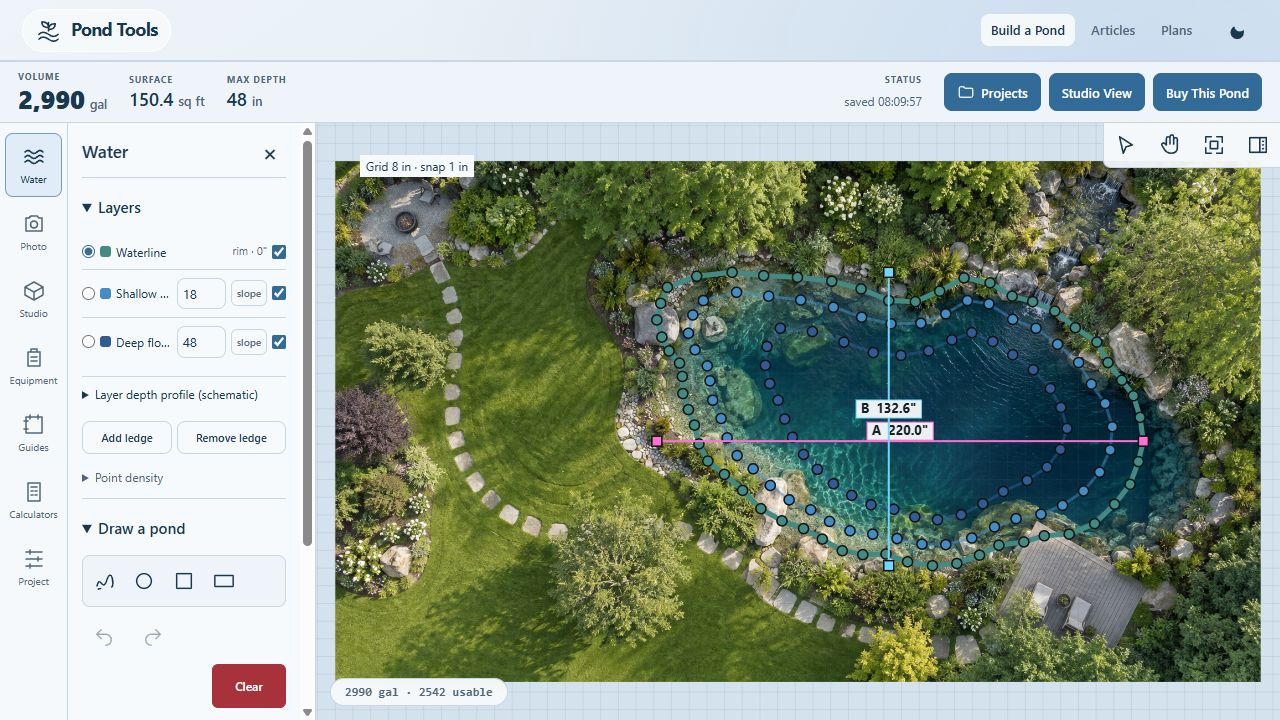
Depths share the same zero at the waterline. In this example, the shelf is 18 inches below the waterline and the floor is 48 inches below it. The drop from shelf to floor is therefore 30 inches. Keep each inner outline inside the one above it and check the selected wall treatment.
Try the editable example
Download the example project, then import it through Projects in PondTools. The file contains the background image and all three outlines. You can move their points, change depths or replace the photograph.
The assigned scale gives a waterline bounding span of about 18.3 by 11.1 feet and a modeled volume of 2,990 US gallons. Those numbers describe this fictional plan. They do not establish the dimensions of a pond photographed elsewhere.
Open the project in 3D Studio to inspect its shape. Studio uses your pond geometry; it does not automatically reconstruct the deck, trees or garden from the photograph. For the volume calculation behind this example, read How big is a 3,000-gallon pond?
Image and product screenshot: asset credits and provenance.